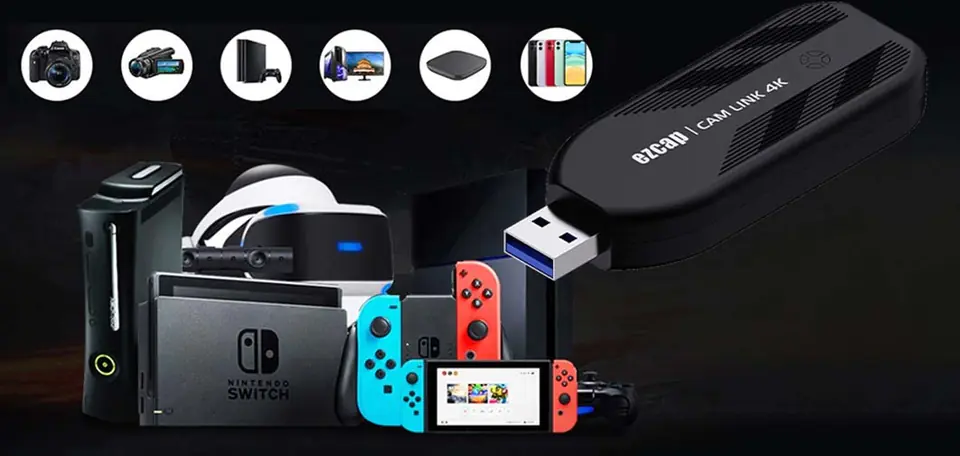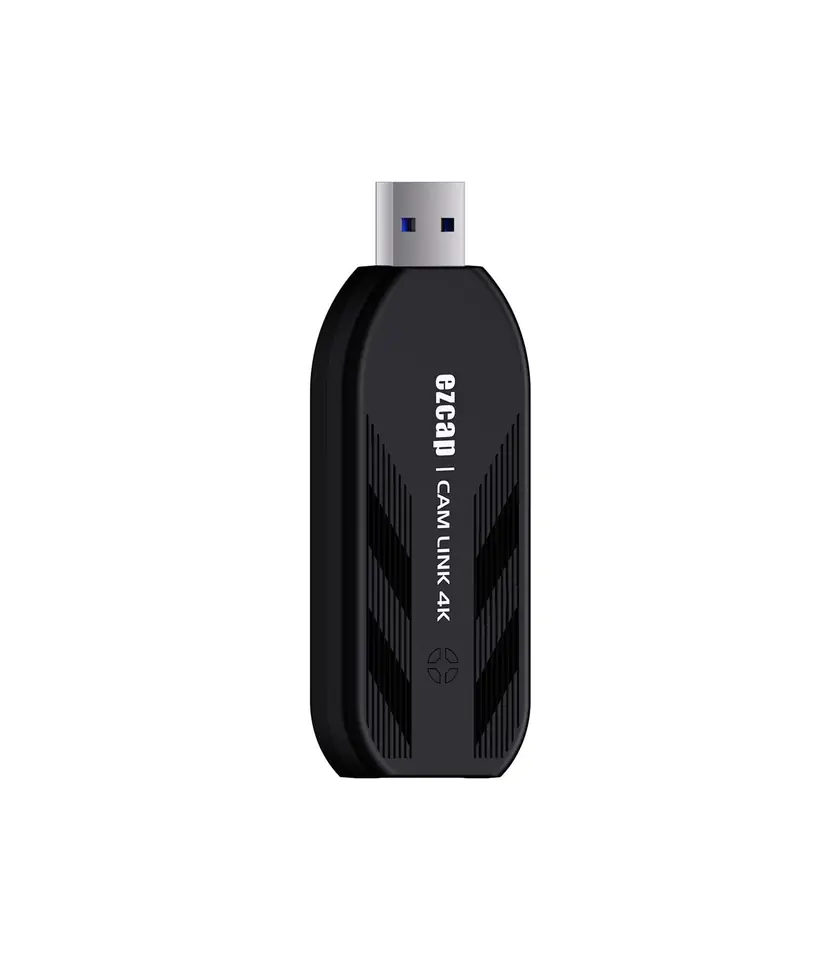
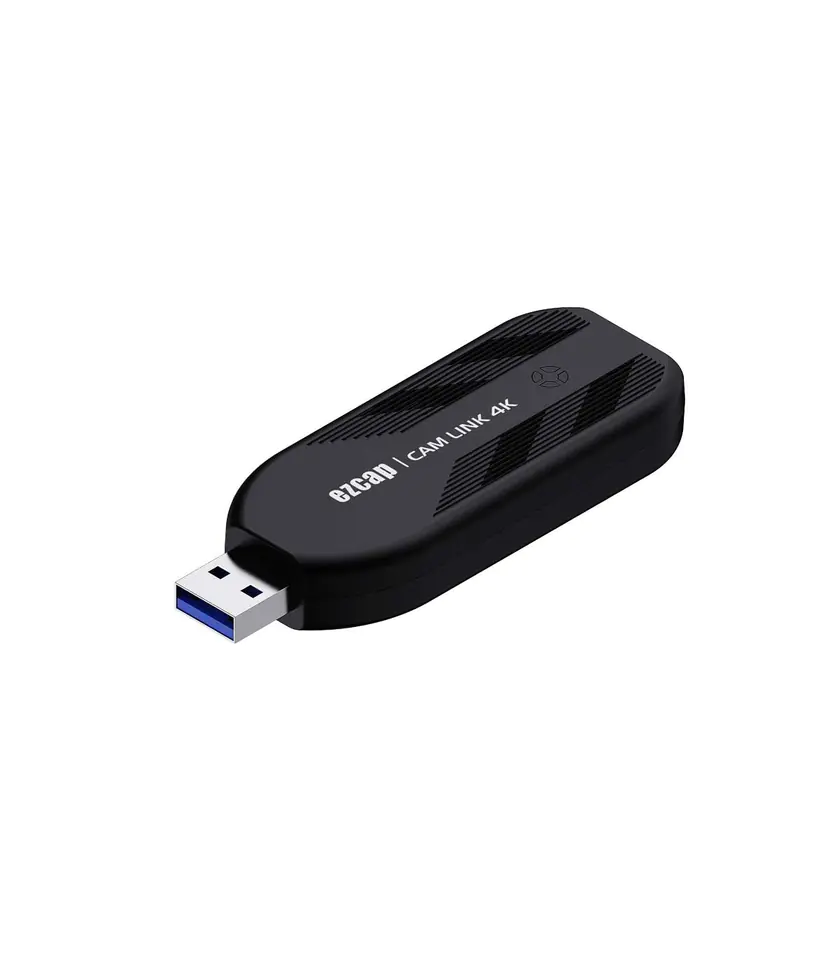
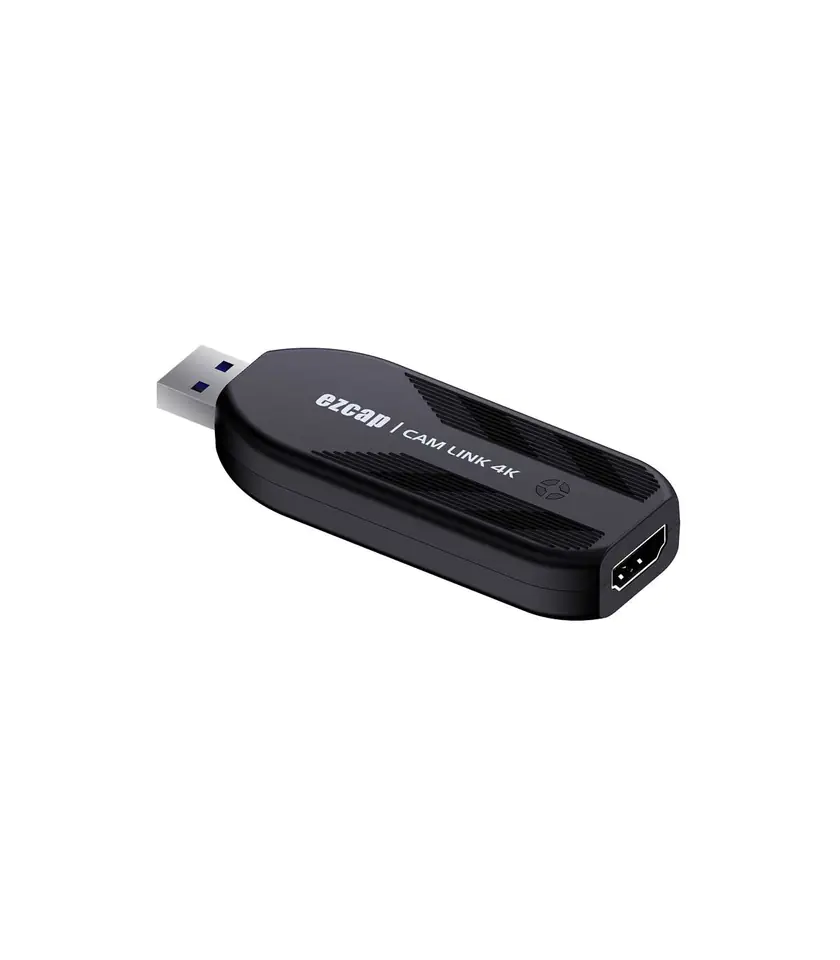
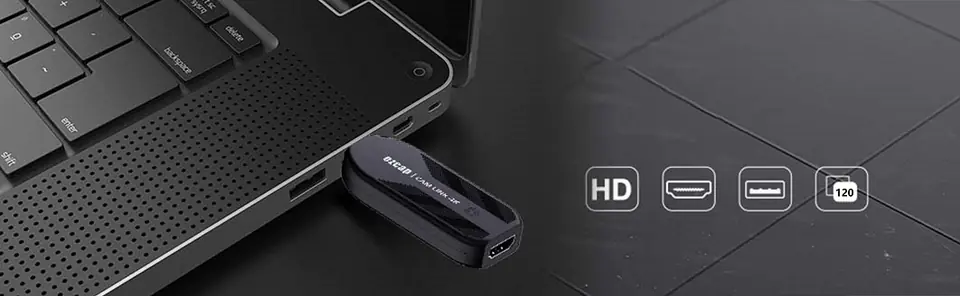
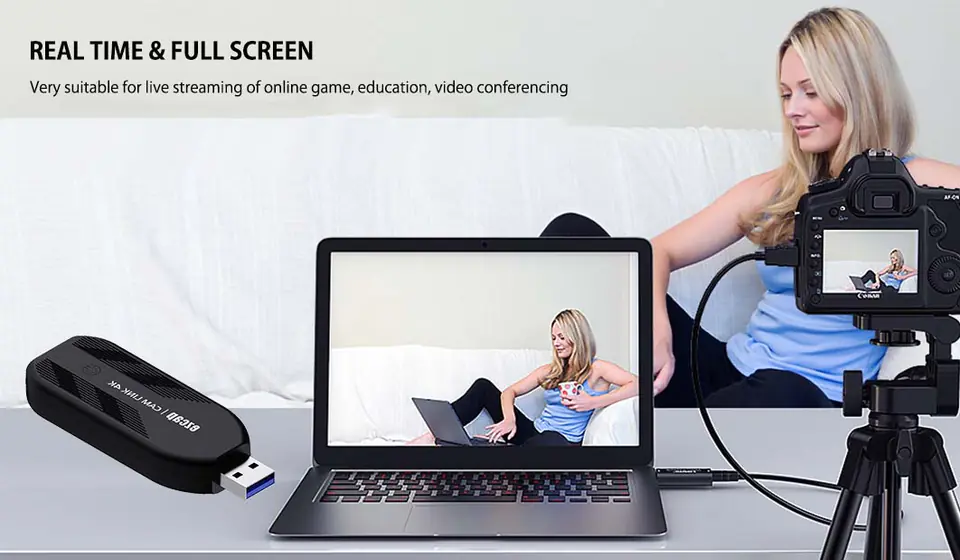
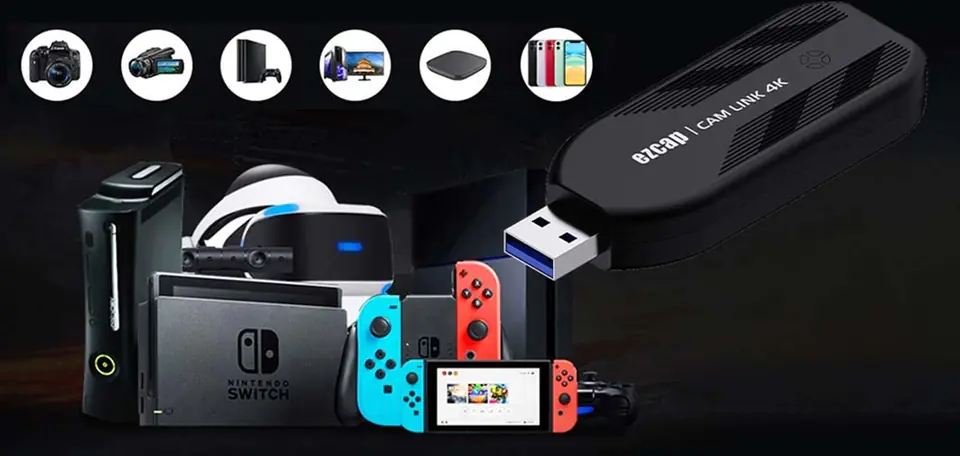
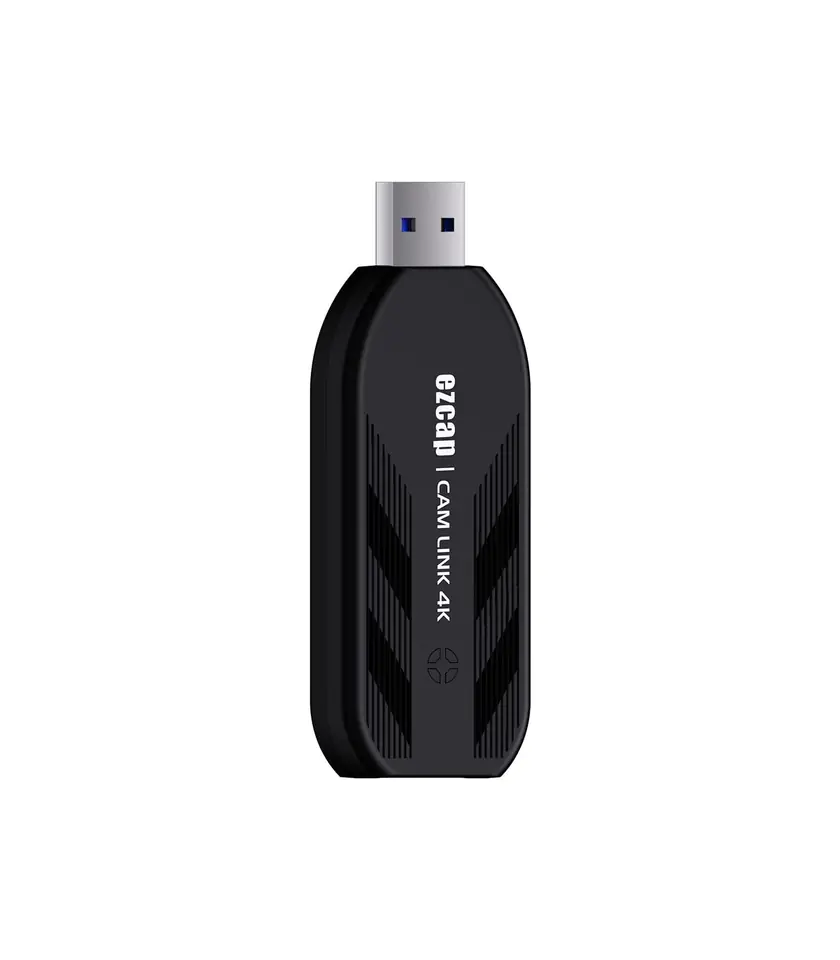
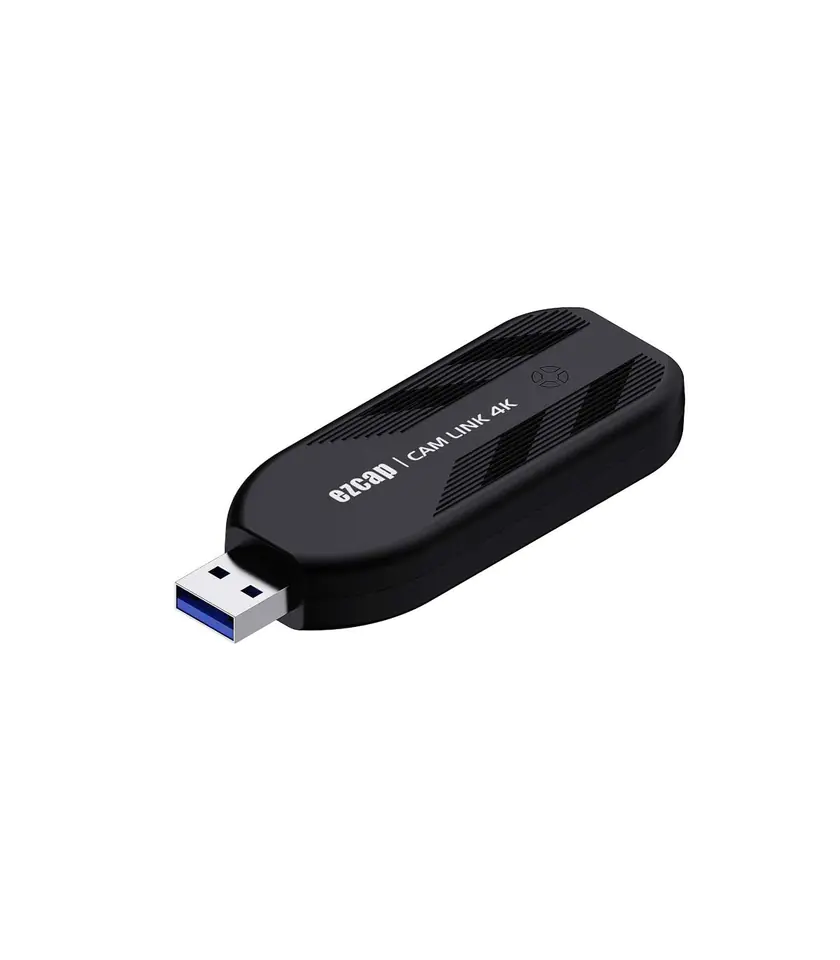
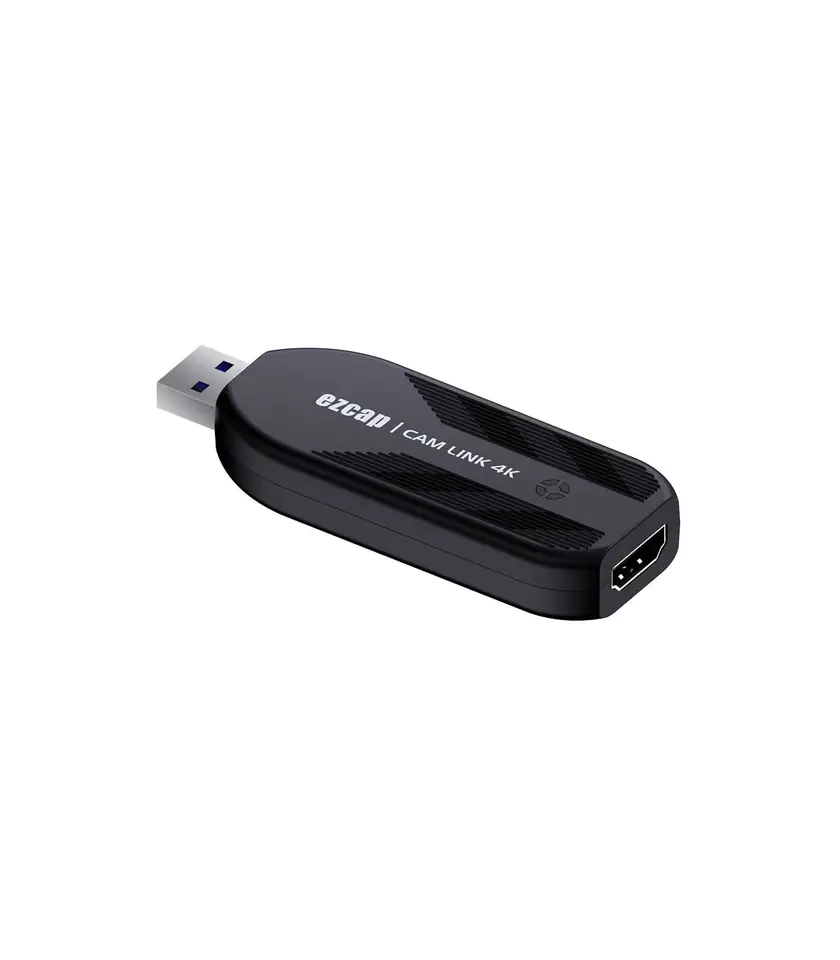
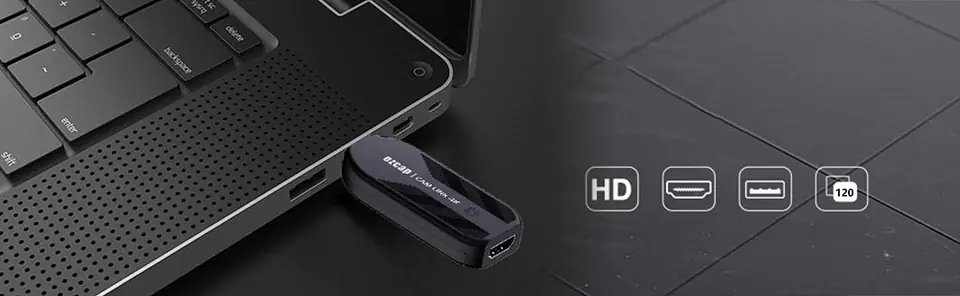
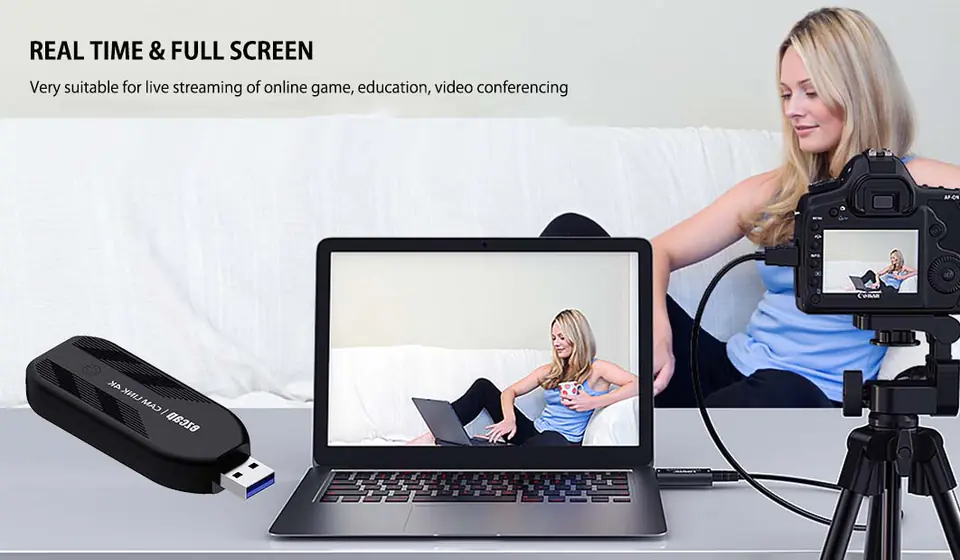
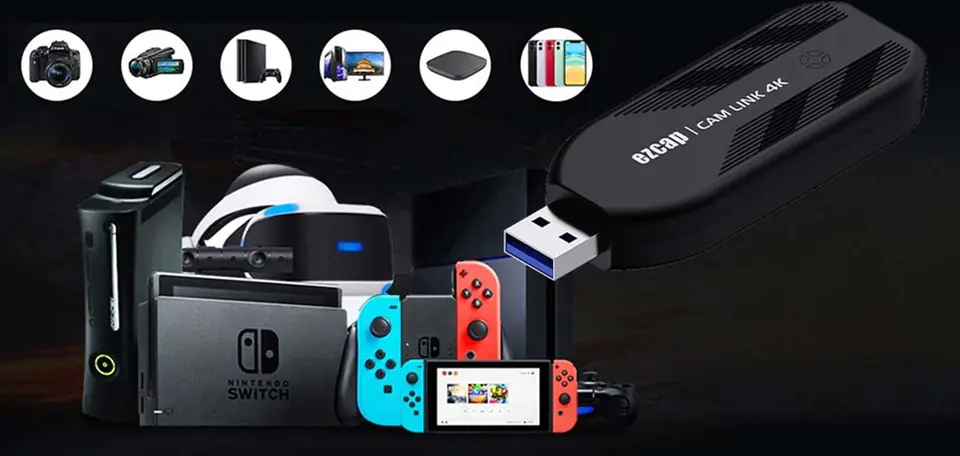
Why use CAM LINK 4K ezcap 331?
- Interface: USB 3.1 - Video input: HDMI 1.4
- Audio input: HDMI - Max. Input: 2160p30, 1440p60, 1080p120
-Max. Recording: 1080p120, 2160p30, 1440p60
- Supported resolution: 2160p, 1440p, 1080p, 720p
-Output video format: YUY2, NV12, RGB
- Recording resolution and maximum frame rate: 3840x2160 - NV12/30; 2560x1440 - NV12/60, YUY/50; 1920x1080 - NV12/120, YUY/60, XRGB/30; 1280x720 - NV12/60, YUY/60, XRGB/60.
- LED status indicator: red-power, blue-HDMI connected, green-working device.
- System requirements:
Windows 10x64
Laptop:
For 4Kp30 or 1080p120 recording: Intel Core i7-7700HQ or higher, NVIDIA GeForce GTX1050 Ti or higher, 8 GB RAM.
For 1080p60 recording: Intel Core i7-4810MQ, NVIDIA GeForce GTX 870M or higher, 8 GB RAM.
Desktop:
For 4Kp30 or 1080p120 recording: Intel Core i5-6XXX / AMD, Ryzen 3 XXX or higher, NVIDIA GTX 1060 / AMD RX 5700 or higher, 8 GB RAM.
For 1080p60 recording: Intel Core i7-3770, NVIDIA GeForce GTX 650 / AMD Radeon R7 250X or higher, 4 GB RAM recommended.
Mac OS High Sierra 10.15 and later.
For 4Kp30 or 1080p120 recording:
iMac 2019: 6-core 3.2GHz Intel Core i7, Radeon Pro 555X with 2GB of GDDR5 memory, 16GB of 2400MHz DDR4 memory.
MacBook Pro 2018: 2.6GHz 6-core Intel Core i7 Radeon Pro 560X processor with 4GB of GDDR5 memory or higher, 16GB of 2400MHz DDR4 memory.
Package contents: ezcap331 CAM LINK 4K, user manual
- Dimensions: 87x32x13mm
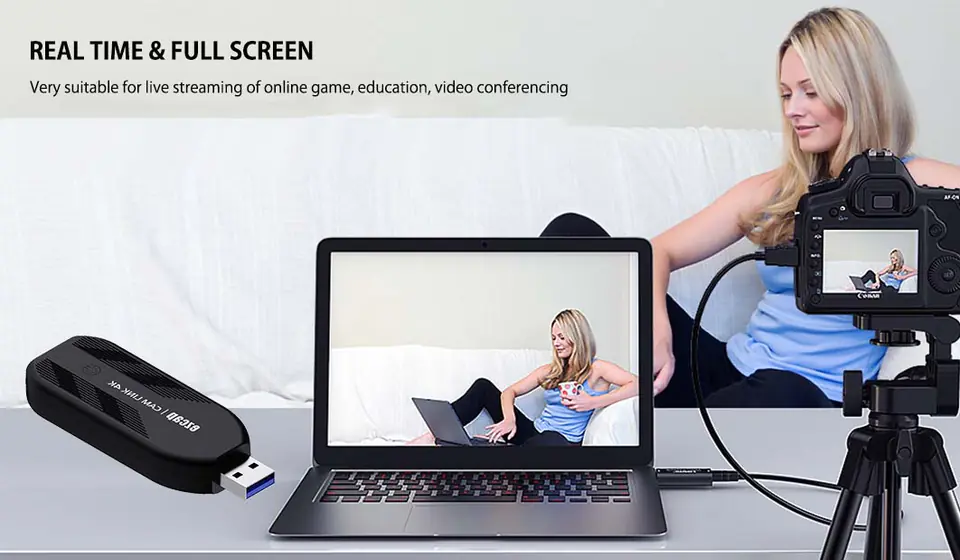
1, Turn off AUTO OFF: Most cameras will turn off automatically to prevent the battery from running out. For video calls, the camera must remain on indefinitely. Auto-off settings are usually found in the camera's power settings.
2, Clean HDMI OUTPUT: The cameras send graphical user interface elements such as battery level and resolution settings. This can be disabled by going to the camera's HDMI menu and disabling the HDMI display, or by pressing the info button on the camera several times.
3, Use AC adapter: Most cameras cannot work and charge at the same time. Use an AC adapter or fake battery to trick the camera into thinking it is running or running on battery indefinitely.
4, Set to MOVIE MODE: Look for the Movie Mode option, usually labeled with a movie camera icon on the camera mode dial.