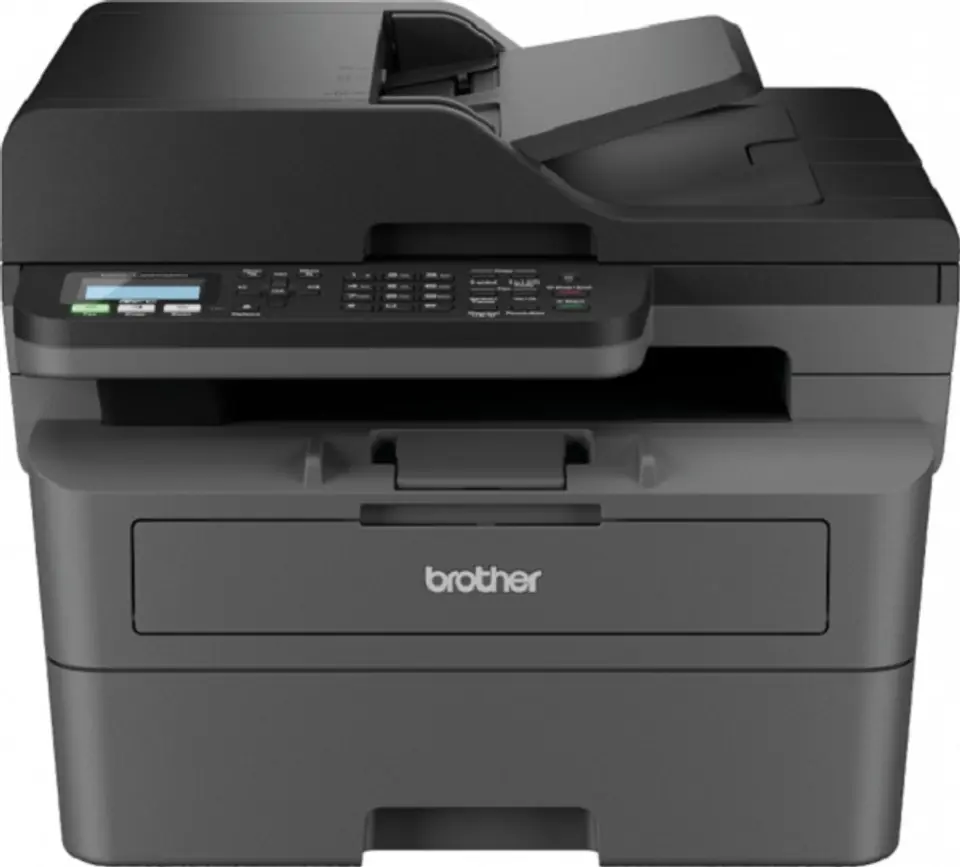
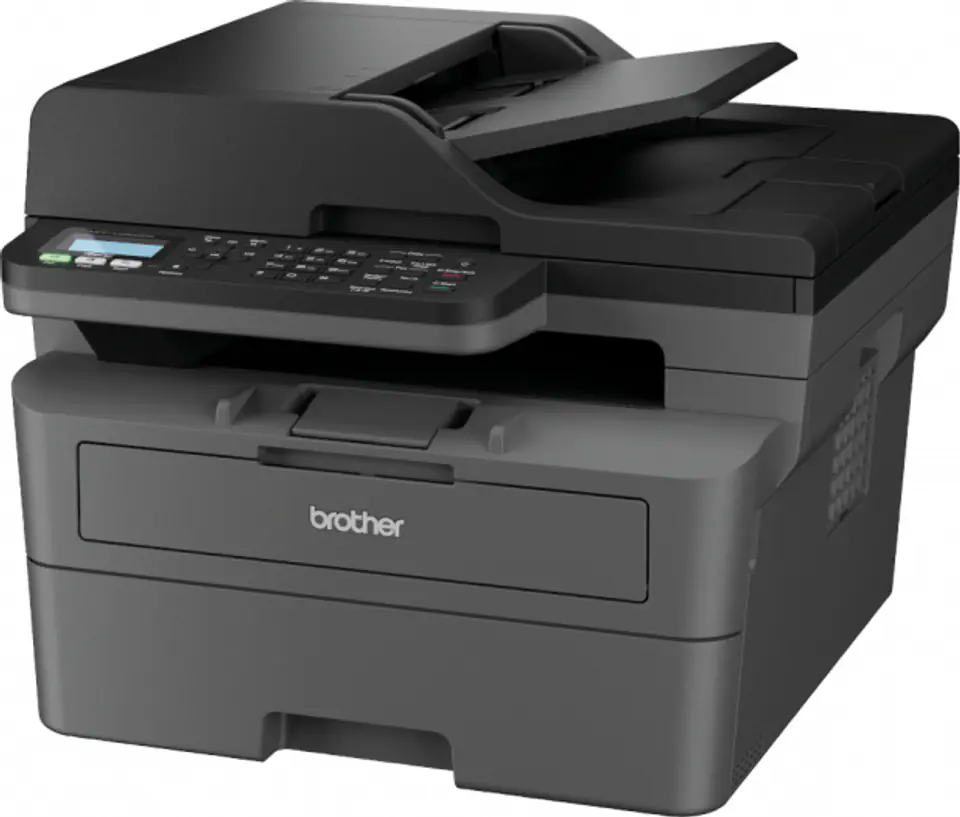
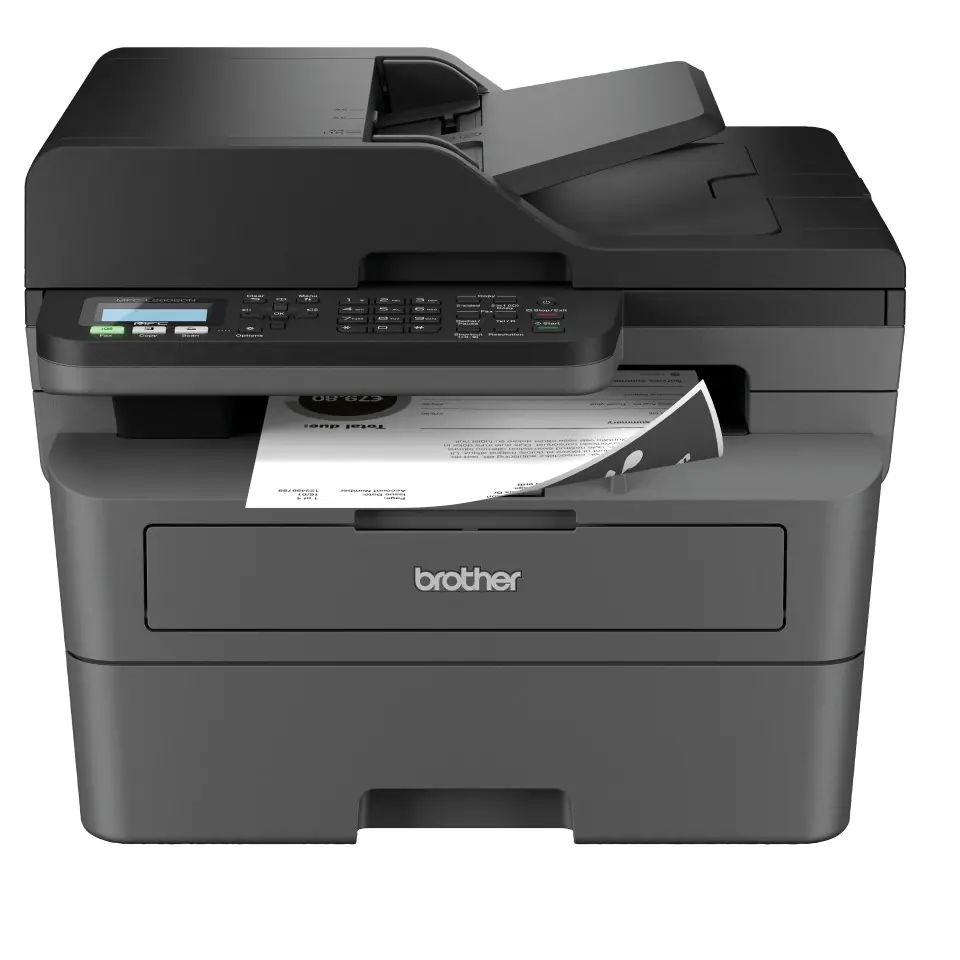
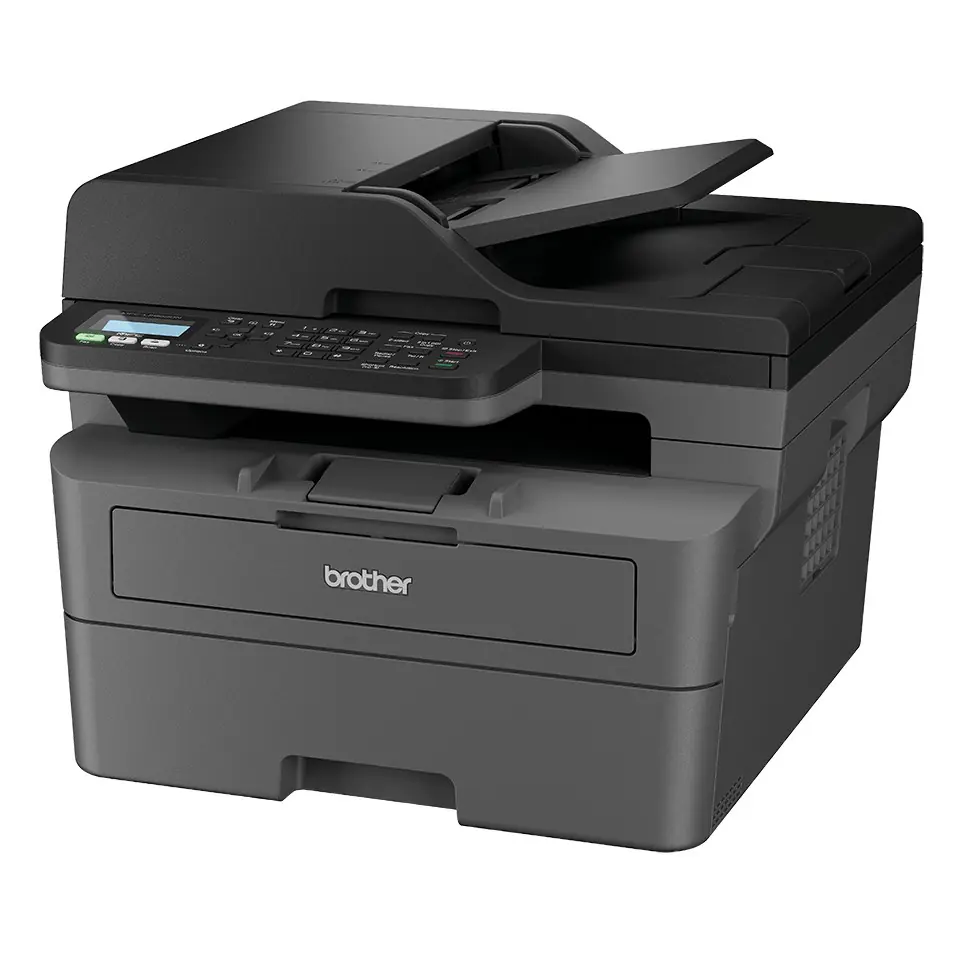
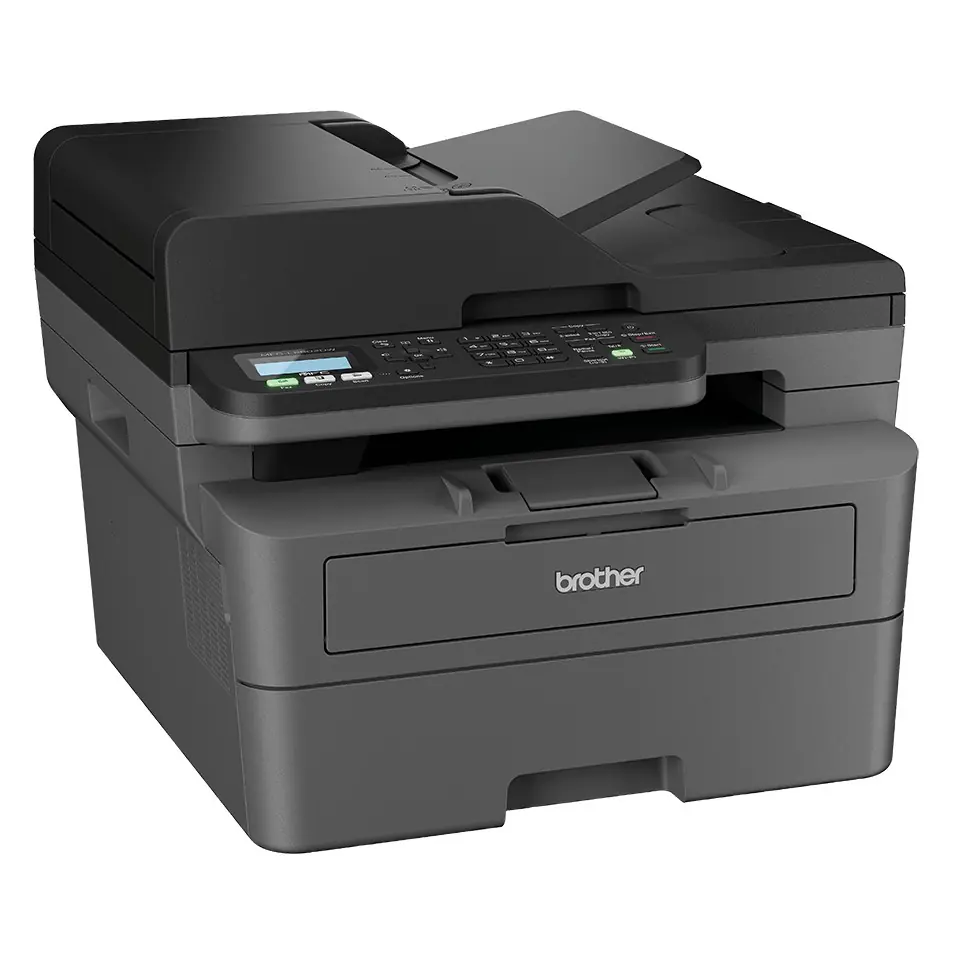
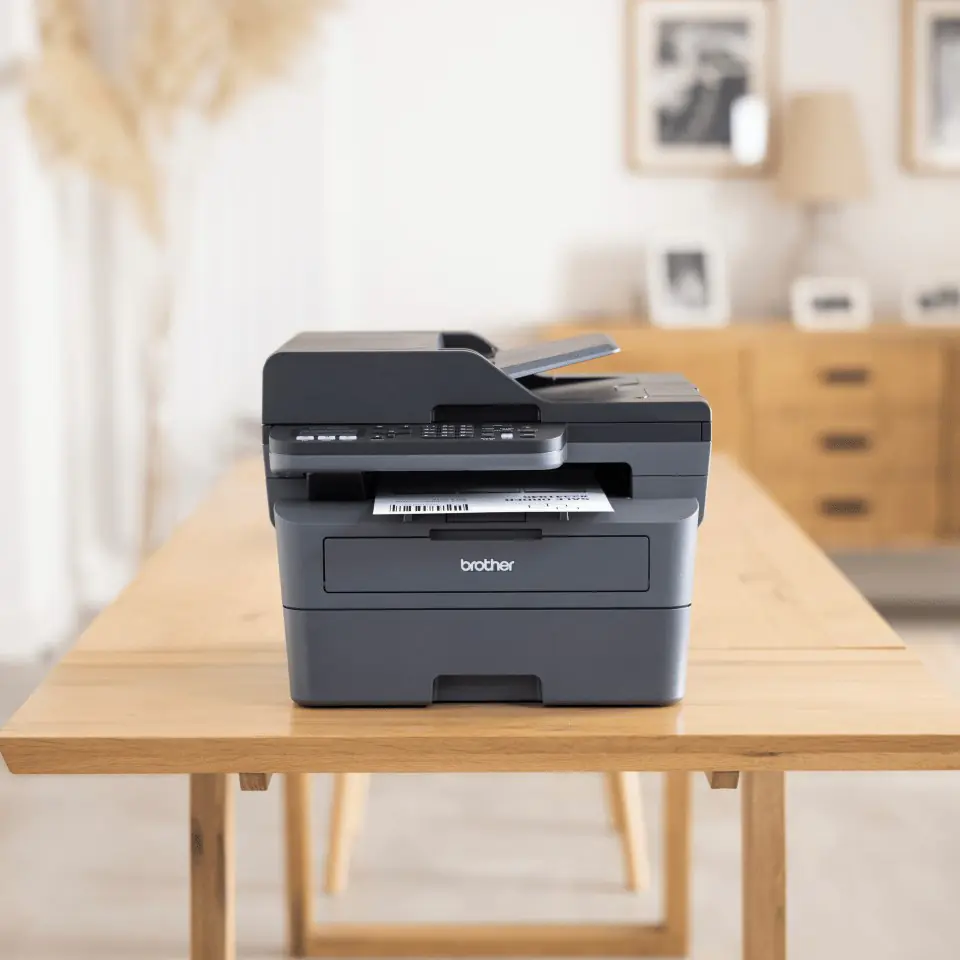
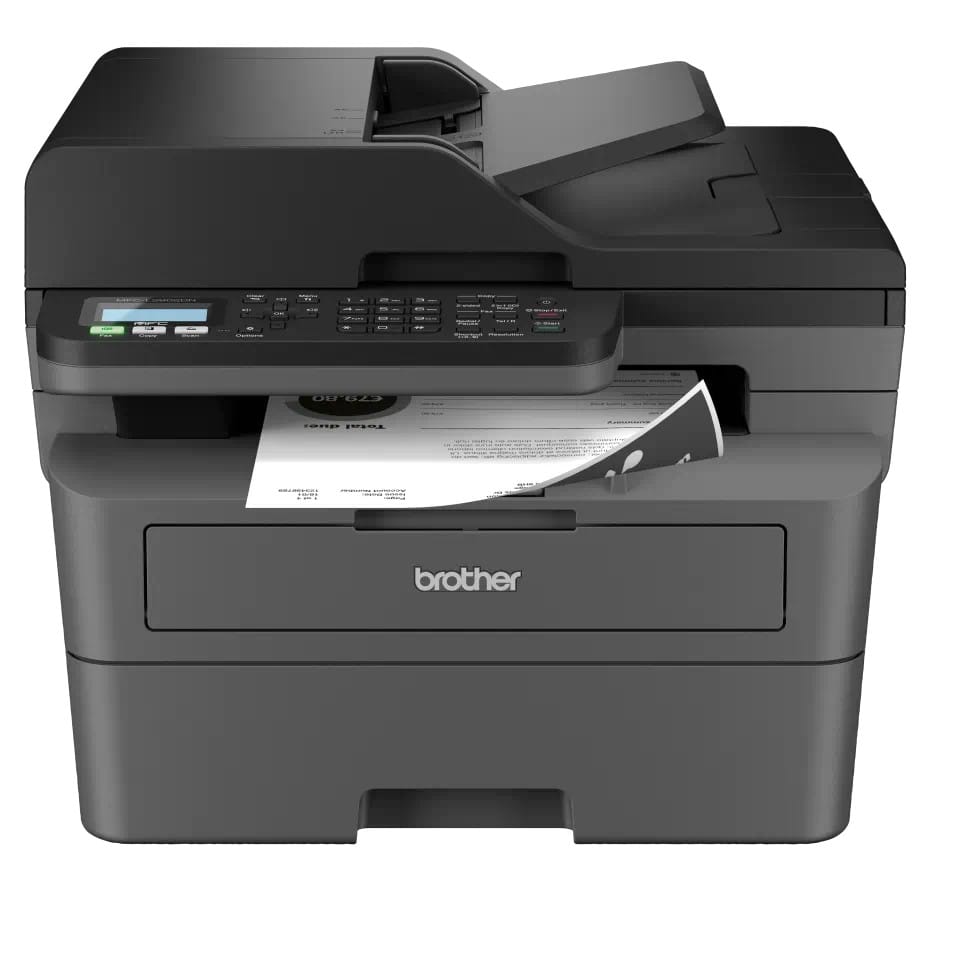
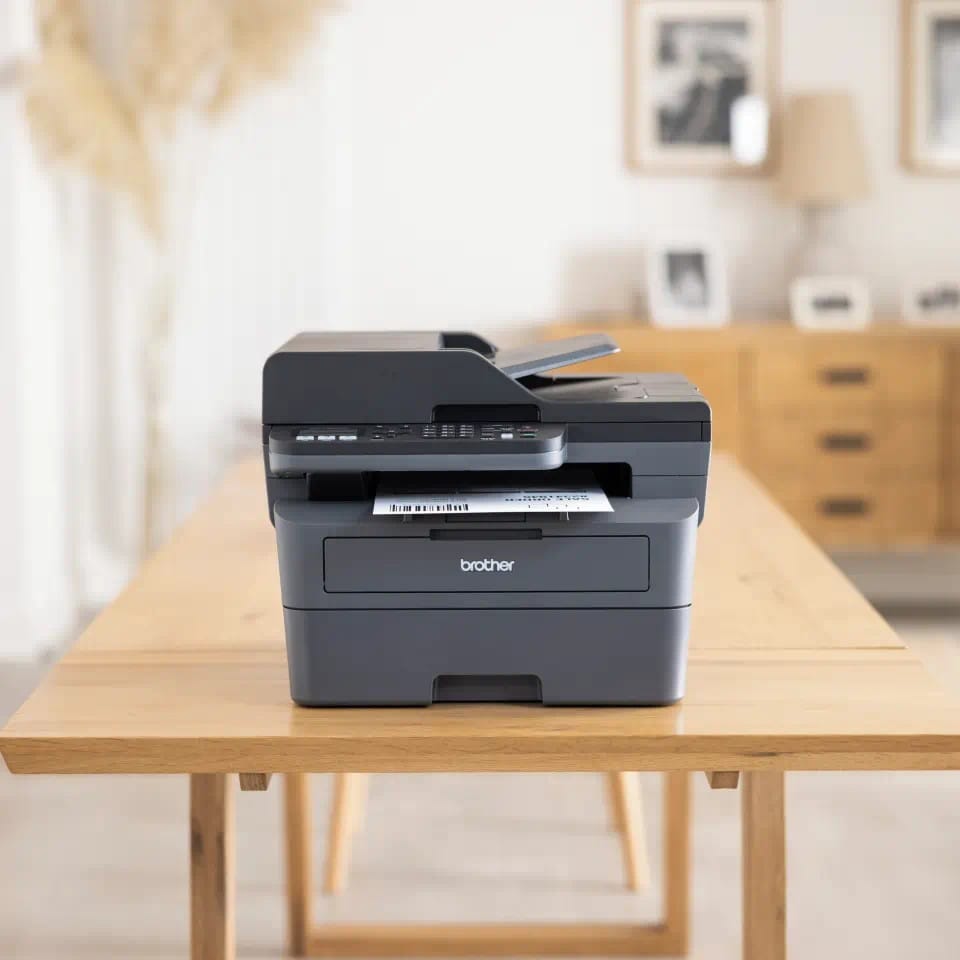
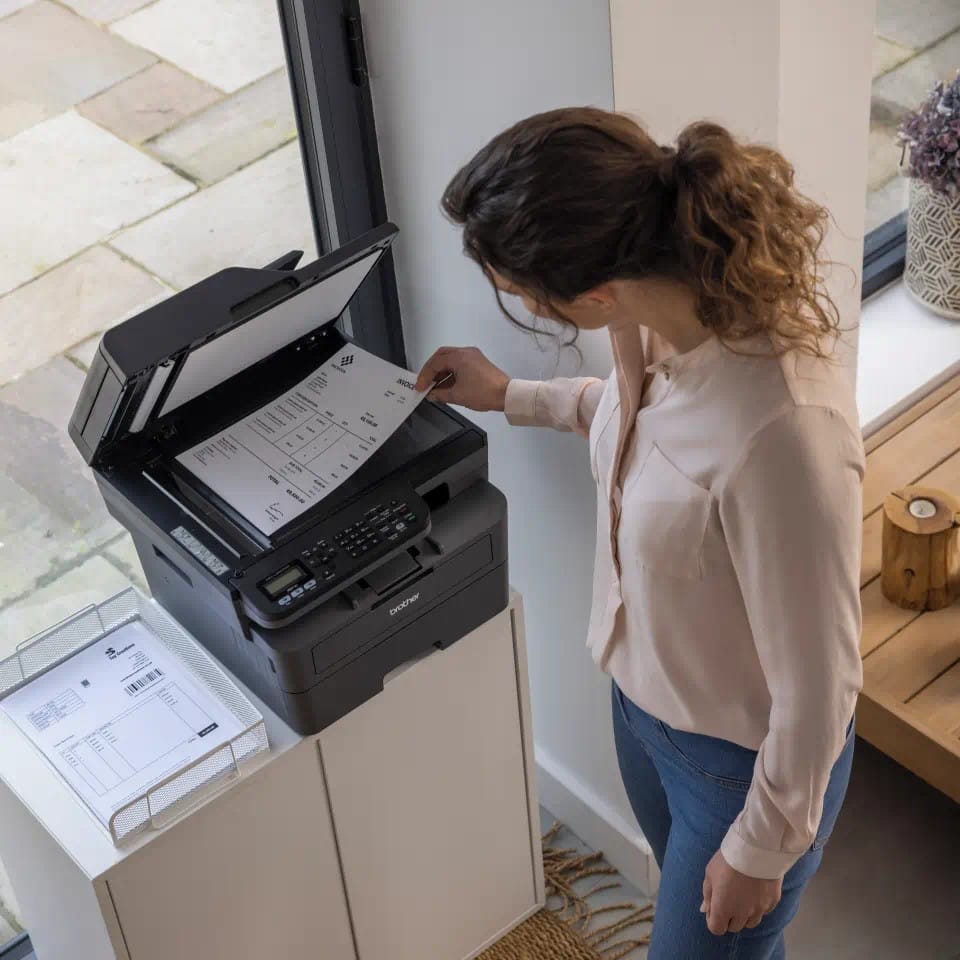
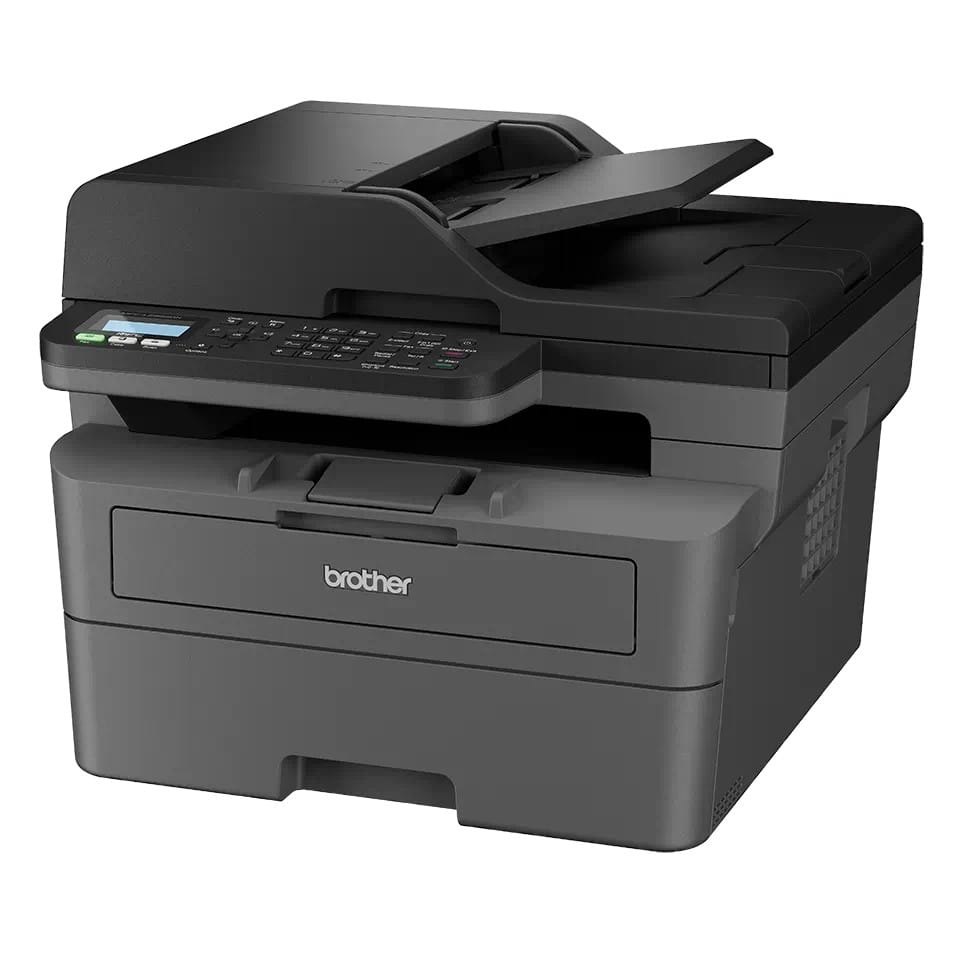
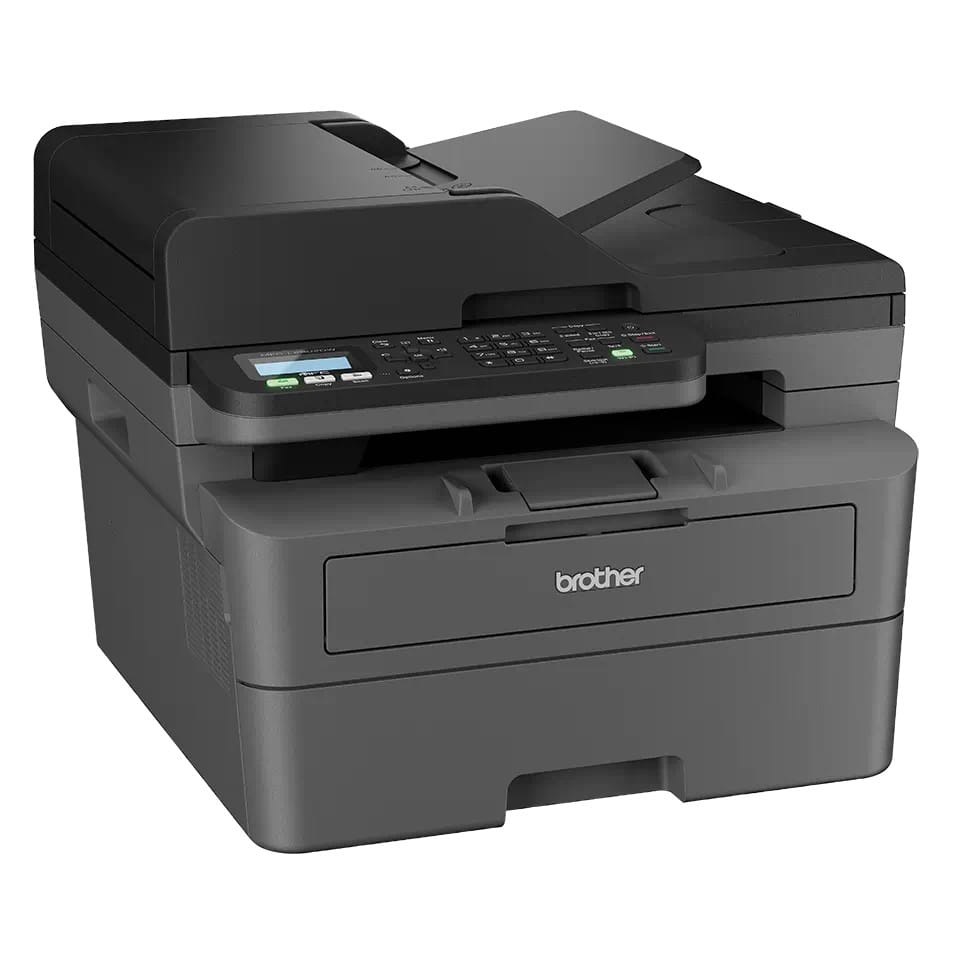
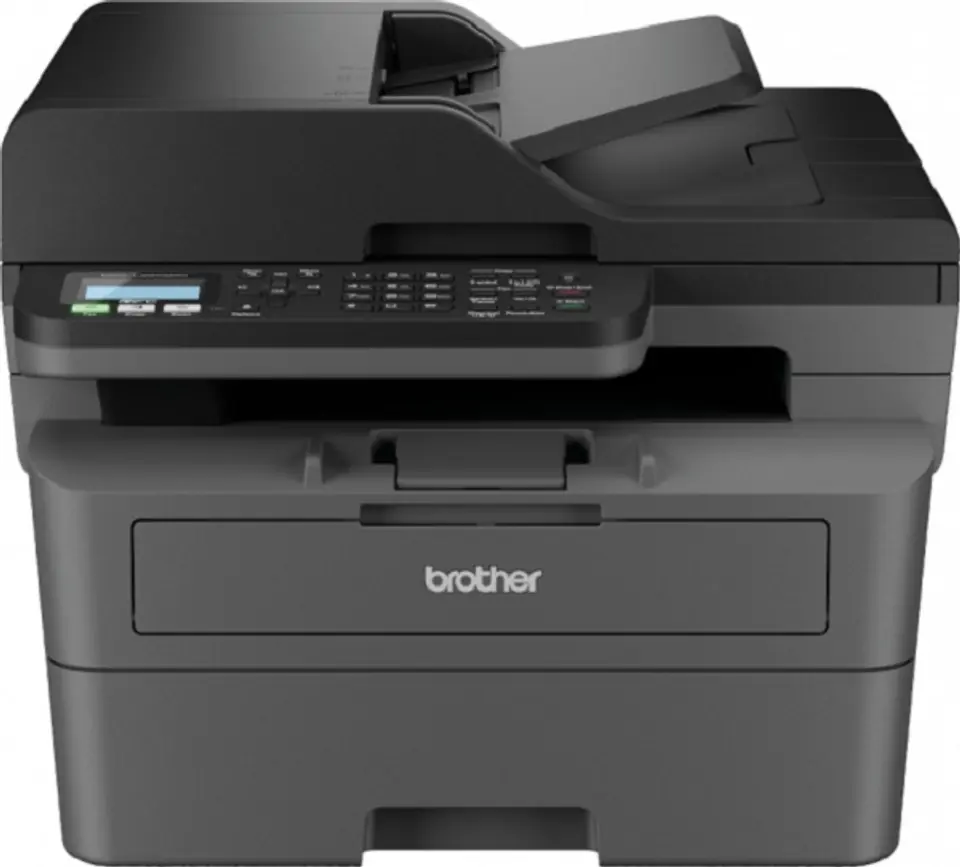
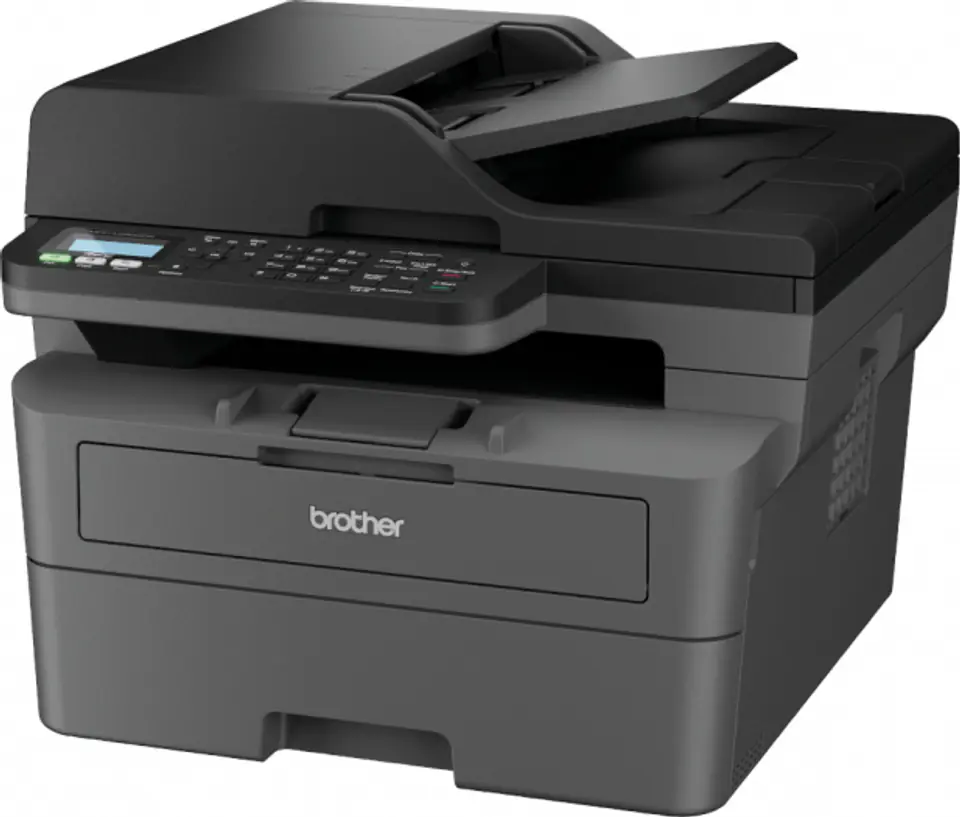
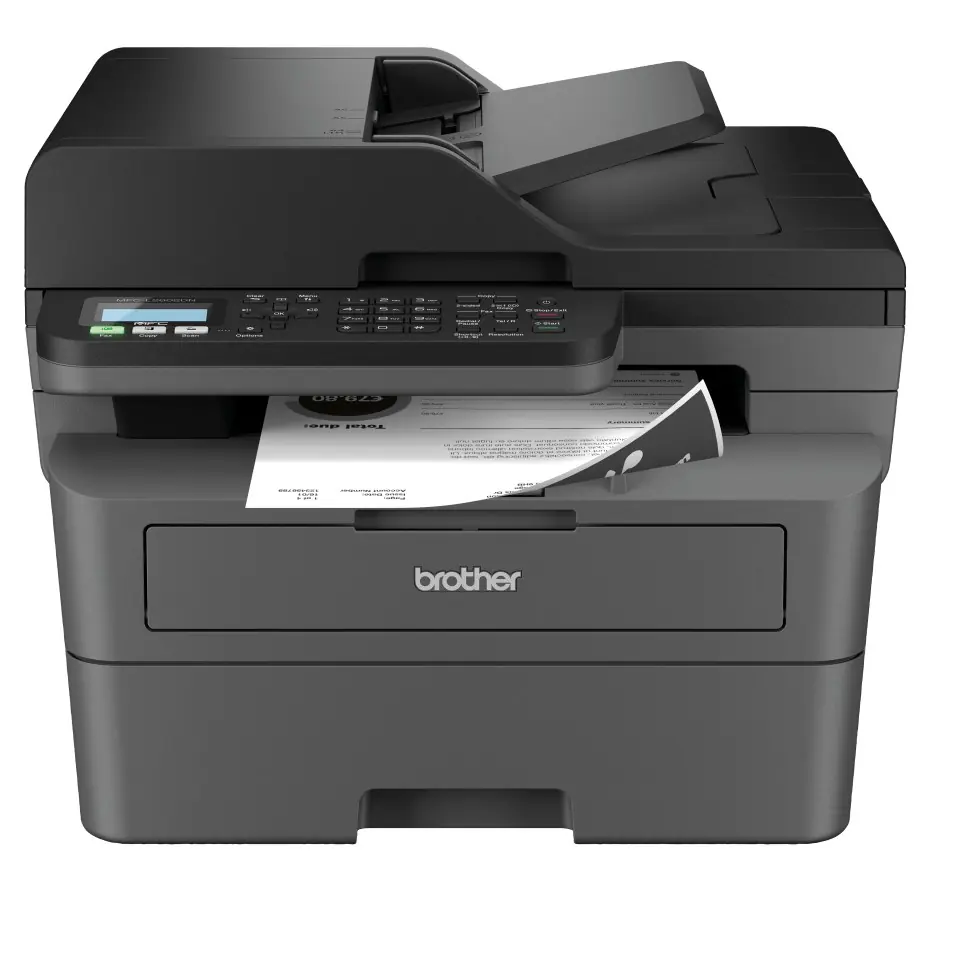
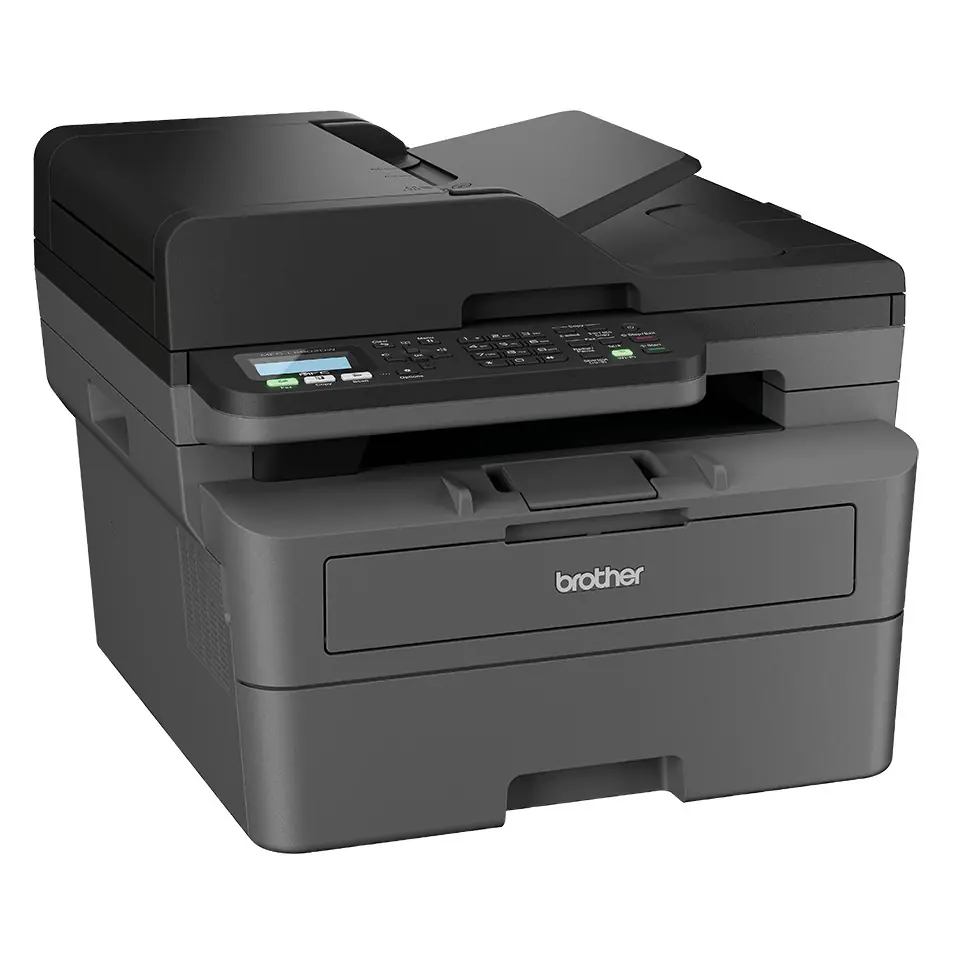
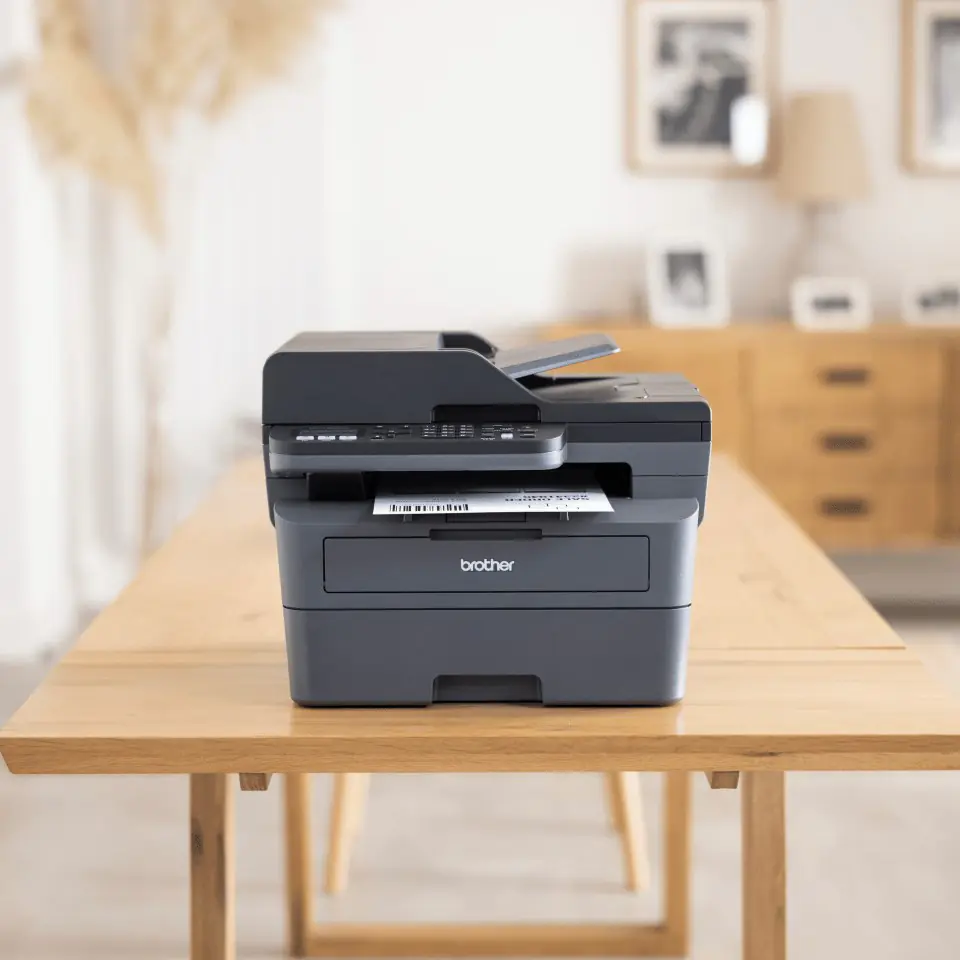
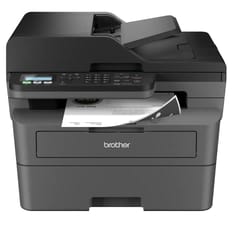
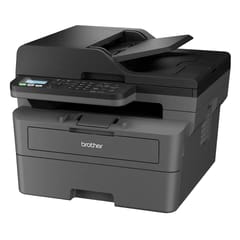
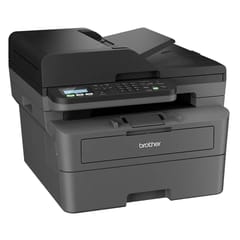
Brother MFC-L2802DN multifunction printer Laser A4 1200 x 1200 DPI 32 ppm

€261.86
Shipping from warehouse: ⁨A3⁩
Estimated shipping: Tue, Jun 23 - Fri, Jun 26
14 days returnUnconditional return policy
Availability:
running out
Brand:
Brother
Product code:
MFC-L2802DN / 4977766831833

Specification

Ac input frequency:50/60 Hz
Ac input voltage:220 - 240 V
Auto document feeder (adf):Yes
Auto document feeder (adf) input capacity:50 sheets
Auto document feeder (adf) media weight:60 - 105 g/m²
Booklet printing function:Yes
Built-in display:Yes
Cabling technology:10/100Base-T(X)
Card reader integrated:No
Cartridge(s) included:Yes
Control type:Buttons
Copier resize:25 - 400%
Copy speed (black, normal quality, a4):32 cpm
Copying:Mono copying
Custom media length:127 - 355.6 mm
Custom media width:76.2 - 215.9 mm
Depth:399 mm
Direct printing:Yes
Display:LCD
Display number of lines:2 lines
Document formats supported:PDF
Duplex functions:Print
Duplex print speed (black, normal quality, a4/us letter):16 ppm
Duplex printing:Yes
Duplex printing mode:Auto/Manual
Economical printing:Yes
Energy star typical electricity consumption (tec):0.37 kWh/week
Error correction mode (ecm):Yes
Ethernet lan:Yes
Ethernet lan data rates:10,100 Mbit/s
Fax forwarding:Yes
Fax forwarding to:PC, E-mail, Fax
Fax memory:400 pages
Faxing:Mono faxing
Greyscale levels:256
Height:319 mm
Id printing function:Yes
Id-card copy function:Yes
Image formats supported:PNG, JPEG, TIFF
Included cartridge capacity (black):700 pages
Input colour depth:30 bit
Input greyscale depth:10 bit
Internal memory:128 MB
Iso a-series sizes (a0...a9):A5, A6, A4
Iso b-series sizes (b0...b9):B5, B6
Linux operating systems supported:Yes
Mac operating systems supported:Yes
Manual feeder:Yes
Market positioning:Home & office
Maximum copy resolution:600 x 600 DPI
Maximum duty cycle:15000 pages per month
Maximum iso a-series paper size:A4
Maximum number of copies:99 copies
Maximum resolution:1200 x 1200 DPI
Maximum scan resolution:19200 x 19200 DPI
Mobile printing technologies:Apple AirPrint, Brother iPrint & Scan, Google Cloud Print, Mopria Print Service
Modem speed:33.6 Kbit/s
Multi-purpose tray:Yes
Multi-purpose tray input capacity:1 sheets
Multi-purpose tray media weight:60 - 230 g/m²
N-in-1 copy function:Yes
N-in-1 copy function (n=):2, 4
N-in-1 print function:Yes
N-up printing:16, 25, 4, 9, 2
Number of print cartridges:1
Operating relative humidity (h-h):20 - 80%
Operating temperature (t-t):10 - 32.5 °C
Optical scanning resolution:1200 x 1200 DPI
Other operating systems supported:ChromeOS
Output colour depth:24 bit
Output greyscale depth:8 bit
Package depth:517 mm
Package height:434 mm
Package weight:14.1 kg
Package width:580 mm
Page description languages:GDI
Paper input type:Paper tray
Paper tray 1 input capacity:250 sheets
Paper tray media types:Recycled paper, Letterhead, Executive, Plain paper
Paper tray media weight:60 - 163 g/m²
Poster printing function:Yes
Power consumption (copying):480 W
Power consumption (off):0.08 W
Power consumption (printing):470 W
Power consumption (sleep):4.1 W
Power consumption (standby):43 W
Power cord included:Yes
Print speed (black, normal quality, a4/us letter):32 ppm
Print technology:Laser
Printing:Mono printing
Printing colours:Black
Product colour:Black
Quantity per pack:1 pc(s)
Scan drivers:SANE, TWAIN, WIA
Scan technology:CIS
Scan to:Image, OCR, USB, FTP, E-mail Server, File, E-mail
Scanner type:ADF scanner
Scanning:Colour scanning
Security algorithms:APOP, SNMPv3, SMTP-AUTH, SSL/TLS
Sound pressure level (printing):66.3 dB
Sound pressure level (quiet mode):44 dB
Sound pressure level (standby):30 dB
Storage relative humidity (h-h):35 - 85%
Storage temperature (t-t):0 - 40 °C
Time to first copy (black, normal):10 s
Time to first page (black, normal):8.5 s
Total input capacity:301 sheets
Total number of input trays:3
Total output capacity:120 sheets
Usb port:Yes
Watermark printing:Yes
Weight:10.5 kg
Wi-fi:No
Width:410 mm
Windows operating systems supported:Windows 8.1, Windows 11, Windows 8, Windows 7

Brother MFC-L2802DN Fast, hassle-free A4 mono laser

The MFC-L2802DN is easy to set up and offers fast, hassle-free printing and scanning, with a high-capacity toner cartridge included - up to 700 pages.

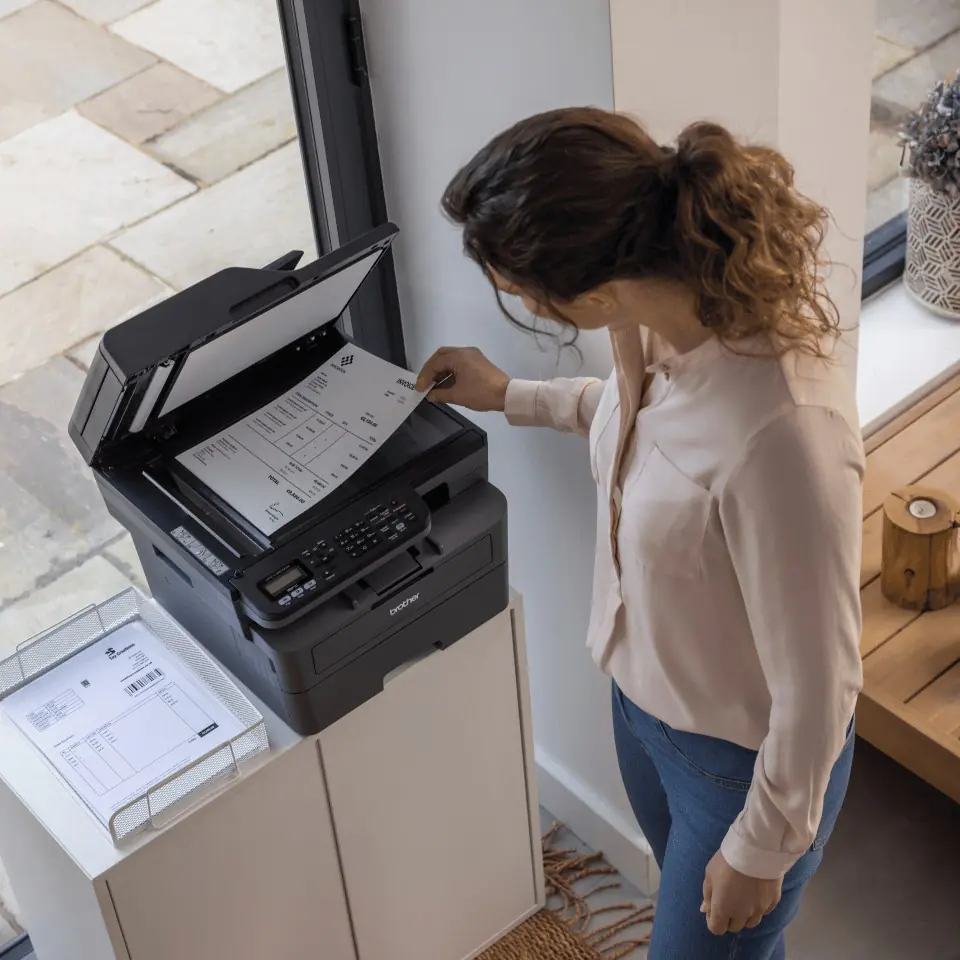
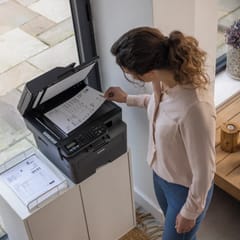
Whether you work remotely or in the office, increase your productivity with the Brother MFC-L2802DN. This multifunction mono laser offers a range of time-saving features, including fast, hassle-free printing and scanning, automatic two-sided printing, faxing, a large paper tray and a large automatic document feeder, for added flexibility.

Convenient

Make your day easier and printing simpler with a simple set-up and fast Ethernet or USB connection. This efficient MFC-L2802DN is easy to use with its user-friendly control panel.

The perfect partner

High-quality LED printing technology ensures that prints are pristine and clear every time. The professionally designed MFC-L2802DN features a large paper capacity tray for longer printing, while its compact, quiet design means you can work without interruption in smaller workspaces.

Work smarter

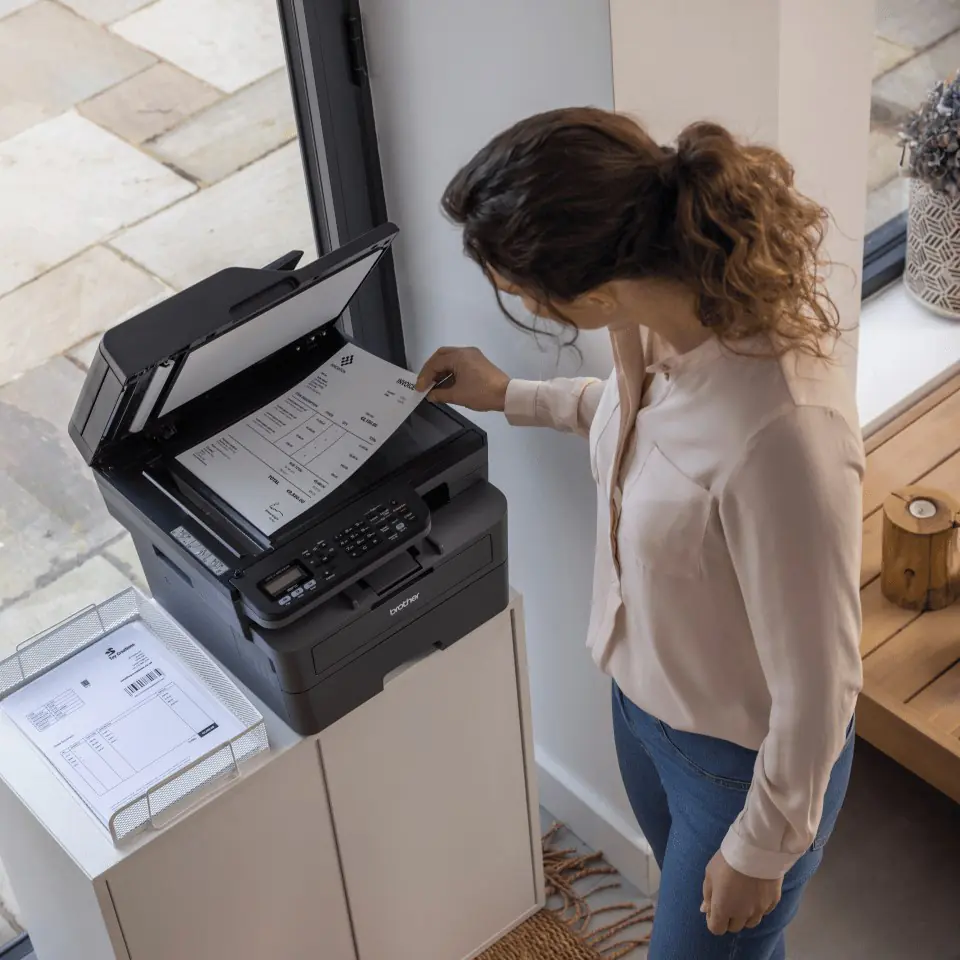
The MFC-L2802DN is designed to increase productivity, with fast printing helping you work smarter. The automatic document feeder and duplex printing features save you time so you can focus on other tasks.

Security

Our devices offer the latest industry-standard security features to help keep your data safe. Our security experts are constantly researching new improvements to our products, solutions and services to ensure that all our products are secure by design. Brothers A4 mono laser printers feature three layers of security at the device, network and document levels, giving you peace of mind that data integrity is maintained at every step.

Printing that lasts longer

The MFC-L2802DN helps you reduce your printing costs with a separate drum and toner unit. The set includes a high-capacity toner for up to 700 pages, which provides more prints. A toner with a maximum capacity of 3,000 pages is also available for sale, which reduces the cost per page and the frequency of replacement.

Despite our best efforts, we cannot guarantee that the published technical data and photos do not contain inaccuracies or errors, which, however, cannot be a basis for claims.

Homepage